Loading Trama…
Skip to content
Page sections
Coming soonWe are getting access to Trama ready. Soon you will be able to request it here.

Handwoven interfaces for Vue 3

Big tools, one system of tokens, themes and languages, and ready for AI agents.

InstallationComing soonWe are getting access to Trama ready. Soon you will be able to request it here.

Version 9.2.4

What it is

Production-ready tools, one design system and ready for agents.

  • Big tools, built in

    A data grid with a hundred thousand rows, kanban, Gantt, diagrams, schedule, file manager and PDF editor. What other libraries sell as a paid extra or a separate package.

  • One system

    The same tokens, themes, languages and spacing rhythm in every piece. Change the theme and everything changes, in dark mode too and with AA contrast.

  • Ready for agents

    An MCP server so coding agents use it well, and an A2UI renderer so interface agents can paint with it.

components
105
complete languages
4
theme families
7
test files
637

Figures counted at build time from the library code.

Star components

Data grid, row list, kanban, Gantt, diagrams and schedule: real and ready to touch.

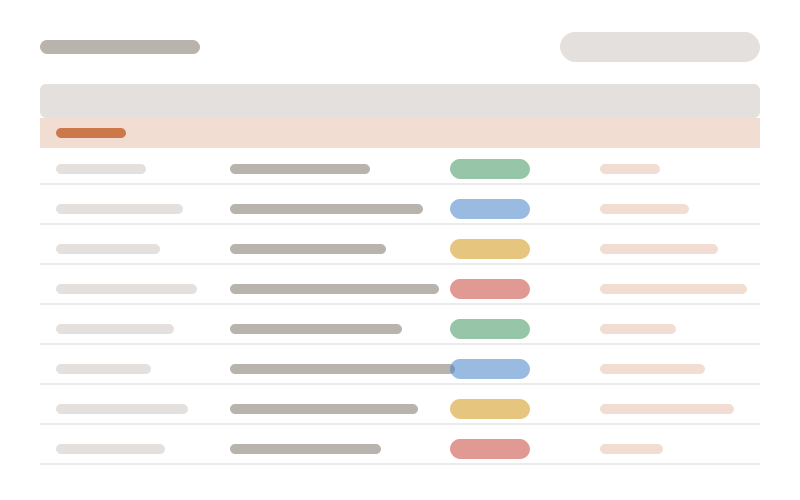
  1. TrDataGrid

    A hundred thousand orders generated in your browser, virtualized, grouped by region and with an advanced filter. Sort, filter, search or group by another column.

    • Virtualization
    • Advanced filter
    • Grouping and totals
    • Inline editing
    • Excel export
    • Saved views

    Try it: Open “Advanced filter” and combine conditions with AND and OR.

    Loading the demo… TrDataGrid
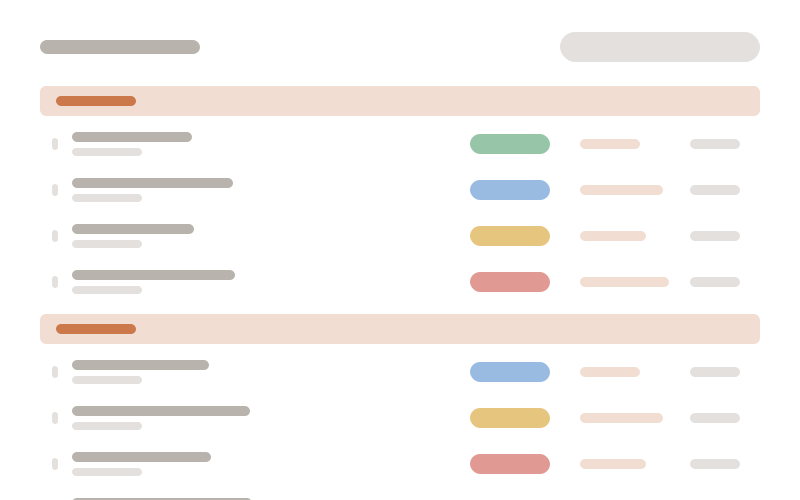
  2. TrRailList

    The same data as the grid, in rows without a <table>: title, subtitle and a rail of aligned columns that adapts to the width. Group, search, reorder by dragging and create or edit in a side panel.

    • Width-based zones
    • Grouping
    • Drag to reorder
    • Side-panel editing
    • Advanced filter
    • Tree

    Try it: Drag an order by its handle to another status group.

    Loading the demo… TrRailList
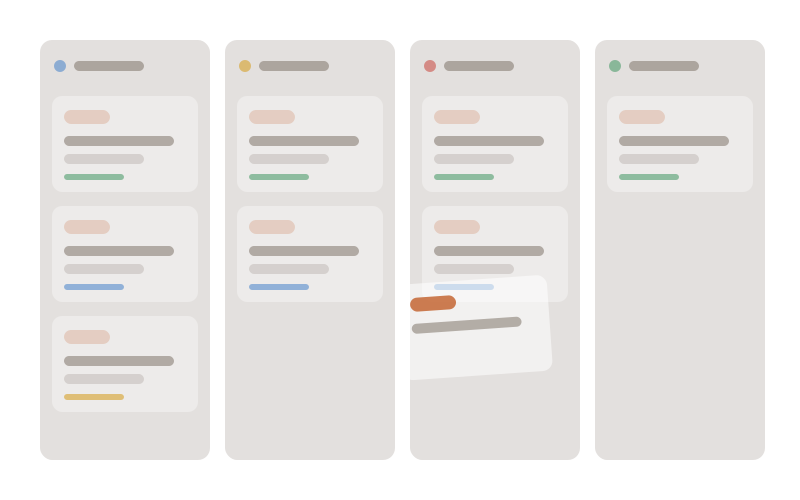
  3. TrKanban

    Drag cards between columns with the mouse, a finger or the keyboard. Work-in-progress limit, swimlanes, a list with subtasks and undo.

    • Keyboard dragging
    • WIP limit
    • Swimlanes
    • Subtasks
    • Undo
    • Table and calendar views

    Try it: Move a card to “In progress” and go over three.

    Loading the demo… TrKanban
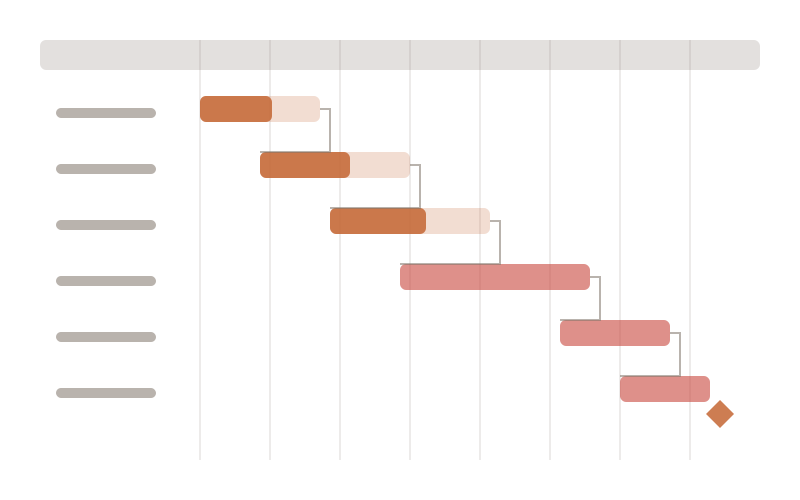
  4. TrGantt

    Phases, milestones and dependencies with the critical path highlighted. Move or stretch a bar and the plan is recalculated.

    • Dependencies
    • Critical path
    • Milestones
    • Resources and load
    • Baseline
    • Auto-scheduling

    Try it: Drag “Prototype” to the right.

    Loading the demo… TrGantt
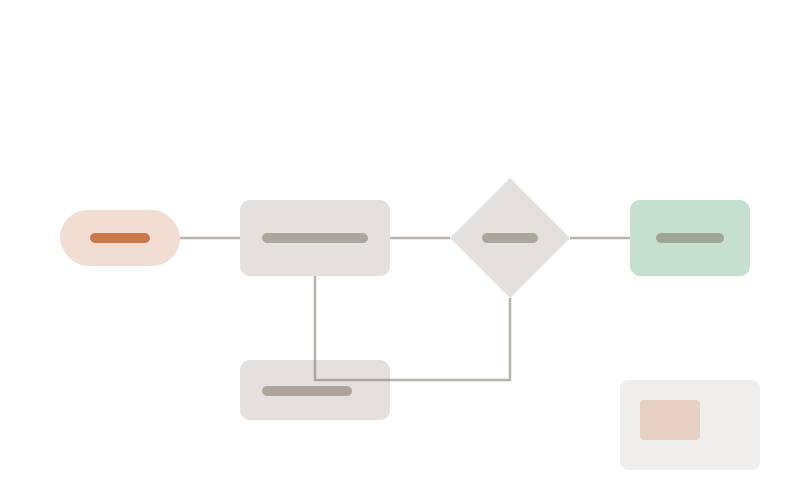
  5. TrDiagram

    An editable whiteboard on its own canvas: nodes, connections, styles and minimap. This flow was written in Mermaid.

    • Own canvas
    • Shapes and connections
    • Minimap
    • Mermaid
    • SVG and PNG export
    • Auto layout

    Try it: Drag from the dot of a node to another one to connect them.

    Loading the demo… TrDiagram
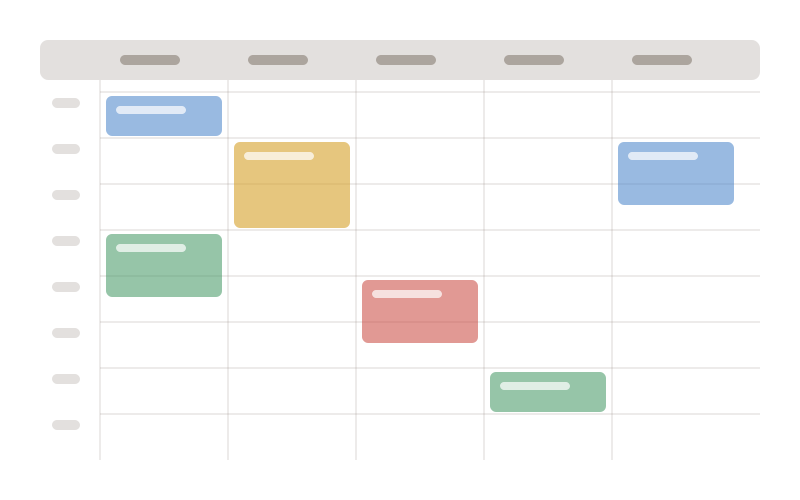
  6. TrSchedule

    A schedule with day, week, month and agenda views; resources, working calendars and recurrences. Create an event by dragging over a free slot.

    • Day, week and month
    • Resources
    • Recurrences
    • Working calendars
    • Drag and resize
    • Attachments

    Try it: Stretch “Team meeting” by half an hour.

    Loading the demo… TrSchedule

The library

Beyond the tools, a huge library of components with the same design, the same themes and the same rules.

105production-ready components, from buttons to complete tools.

  • Forms 34

    Fields, pickers, editors and file upload, with validation.

    • TrButton
    • TrSplitButton
    • TrChoiceButton
    • TrToggleButton
    • TrInput
    • TrInputNumber
    • TrInputPassword
    • TrInputOtp
    • TrInputTag
    • TrInputGroup
    • TrCheckbox
    • TrRadioButton
    • TrRadioGroup
    • TrToggleSwitch
    • TrSlider
    • TrRating
    • TrSelect
    • TrMultiSelect
    • TrCascadeSelect
    • TrTreeSelect
    • TrCardSelect
    • TrPickList
    • TrAutoComplete
    • TrColorPicker
    • TrIconPicker
    • TrDatePicker
    • TrTypedValue
    • TrSortableChipGrid
    • TrSignature
    • TrMarkdownEditor
    • TrFileUpload
    • TrFileManager
    • TrPdfEditor
    • TrVoiceInput
  • Data 22

    Grids, lists, boards, planning, diagrams and queries.

    • TrDataGrid
    • TrDataGridToolbar
    • TrRailList
    • TrRailRow
    • TrListRow
    • TrKanban
    • TrGantt
    • TrSchedule
    • TrDiagram
    • TrQueryBuilder
    • TrLocaleCatalog
    • TrTree
    • TrTimeline
    • TrPaginator
    • TrColumnHead
    • TrPickItem
    • TrCard
    • TrAvatar
    • TrBadge
    • TrChip
    • TrTag
    • TrInplace
  • Layout 16

    Forms, columns, panels and bars that adapt to the width.

    • TrForm
    • TrField
    • TrFieldset
    • TrColumns
    • TrFlexColumns
    • TrFluid
    • TrHeader
    • TrFooter
    • TrToolbar
    • TrPanel
    • TrAccordion
    • TrSplitPanel
    • TrSortableList
    • TrDataList
    • TrDivider
    • TrFocusTrap
  • Overlays 10

    Dialogs, side panels, menus and popups with one shared animation.

    • TrModal
    • TrDrawer
    • TrPopover
    • TrTooltip
    • TrContextMenu
    • TrConfirmPopup
    • TrConfirmHost
    • TrDialogHost
    • TrFilePreview
    • TrHelpGuide
  • Navigation 9

    Menus, tabs, steps, scroll index and command palette.

    • TrSidebar
    • TrTabs
    • TrSegmented
    • TrSteps
    • TrBreadcrumb
    • TrCommandMenu
    • TrScrollIndex
    • TrScrollProgress
    • TrScrollTop
  • Feedback 6

    Messages, progress, skeletons and scroll reveals.

    • TrToast
    • TrMessage
    • TrProgressBar
    • TrSkeleton
    • TrLoadingOverlay
    • TrScrollReveal

What other libraries don’t have

  1. One change pipeline

    Grid, list, kanban, Gantt and diagram edit the same way: guards, undo and redo, and optimistic saving that rolls back if the server fails.

  2. Truly adaptive

    Every component measures its container: on mobile, touch targets, bottom sheets, long press and gestures.

  3. Ready for AI

    An MCP server for coding agents and an A2UI renderer so an agent can draw the interface with real components.

  4. Theme designer

    Semantic tokens, light and dark modes, and per-component changes without touching code.

  5. Accessible by default

    Full keyboard support, roving focus, screen reader announcements and reduced motion respected.

  6. Four languages included

    Every text in Spanish, English, French and Portuguese, loaded only when needed.

  7. Guarded performance

    Virtualization, lazy loading and weight and mount budgets checked by tests.

  8. Own tools, no heavy dependencies

    PDF viewer and editor, chunked upload, local voice and diagrams, built in-house with the same API.

Themes and designer

Seven theme families in light and dark, with AA contrast.

Classic
Soft
Teal
Aquamarine
Copper
Blueharbor
Blueharbor wide
Loading the demo… Real components with the active theme

AI: MCP and A2UI

An MCP server for coding agents and an A2UI renderer for interface agents.

Coding agents: MCP

The trama MCP server gives your agent the manifest of every component, validates the views it writes and reminds it of the rules. It writes Trama right the first time.

Simulated terminal: an agent uses the trama MCP
> Haz una tabla de pedidos con filtro avanzadotrama.get_component({ name: "TrDataGrid" })  ← props: rows, columns, advancedFilter, toolbar… (128)<TrDataGrid :rows="pedidos" :columns="columnas"  advanced-filter :toolbar="{ actions: ['search'] }" />trama.validate_view({ source: "PedidosView.vue" })  ✓ 0 errores · 0 avisos · ritmo y v-model correctos

Interface agents: A2UI

An agent describes the interface with A2UI messages and TrA2uiSurface paints it with real components, behind a security guard. Here, a simulated agent, with no network or key.

Loading the demo… A2UI surface painted by a simulated agent

Adaptive

Mobile, tablet and web: components measure their container.

The same data grid, in a frame that narrows as you scroll: crossing each tier it changes mode (columns by priority, cards) because it measures its own width, not the window. Then stretch it yourself with the handle.

Loading the demo… Adaptive

Performance

Figures measured on the bench, not promised.

  • TrDataGrid size

    Before897 KBNow513 KB
  • Sorting 1,000 × 20 grouped rows

    Before2,724 msNow124 ms
  • DOM nodes when sorting 1,000 × 20 grouped rows

    Before22,206Now1,153
  • watch when mounting a grid

    Before64Now27
  • onMounted when mounting a grid

    Before14Now5

The library’s perf:grid bench (happy-dom), TrDataGrid performance phases 1 to 5. Milliseconds are relative; counters are exact.

Installation

From GitHub Packages, with pnpm, npm or yarn.

  1. Point the @javeintimilla scope to GitHub Packages in your project’s .npmrc (with a token that can read packages).

    .npmrc
    @javeintimilla:registry=https://npm.pkg.github.com
    //npm.pkg.github.com/:_authToken=TU_TOKEN
  2. Install the library.

    terminal
    pnpm add @javeintimilla/trama
    Loading the demo… Package manager
  3. Import the styles and use your first component.

    main.ts
    import { createApp } from 'vue'
    import '@javeintimilla/trama/styles.css'
    import App from './App.vue'
    
    createApp(App).mount('#app')
    App.vue
    <script setup lang="ts">
    import { TrButton } from '@javeintimilla/trama'
    </script>
    
    <template>
      <TrButton variant="primary" icon="add" label="Hola, Trama" />
    </template>

The package and the showcase are private for now; access will open soon. Coming soonWe are getting access to Trama ready. Soon you will be able to request it here.